
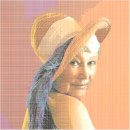
Inspired by printing and screen technology, PenPixel takes your input image at a specified resolution and then reconstructs each pixel using discrete colors from a palette so they can be painted with a pen or paintbrush.
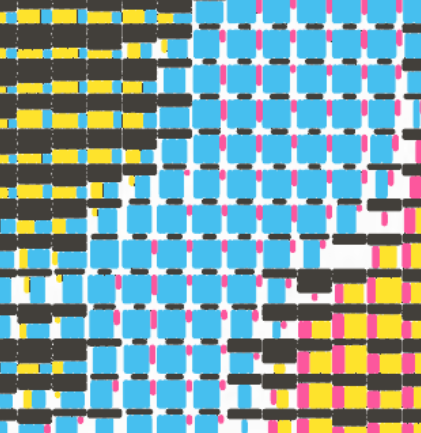
Each pixel has two or three color channels: The two colors that are closest left and right to the hue of the pixel on the color circle, and the black channel if black is part of the palette. The channels are represented by non-overlapping rectangular areas in an appropriate size ratio and geometry according to color mixing theory taking into account hue, saturation and brightness (HSV).
The color mixing can be influenced through various image modifiers such as saturation and blackness. And the colors can be altered in subtle to extreme ways using the hue modifiers.
While this might sound rather simplistic, this method allows to create surprisingly realistic representations of the input image for high resolutions and a well balanced palette, but even more surprising image abstractions and effects when the resolution is low and when the palette is limited.
This way, it is very straightforward to turn an image into an abstract, pop-art or neo/digital impressionist artwork, or a style you are about to invent yourself.
Just play around with all the parameters. Explore the extremes and the fine balances. Zoom in and out to experience the effect of scale on the perception. Turn all the knobs and have fun. You can't break anything, you can only be surprised :)
Not all colors can always be reproduced with a discrete palette, especially when the palette is not balanced. But that's not a bug, it's a feature! It can be exploited in creating unique renderings of your image.
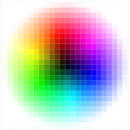 |
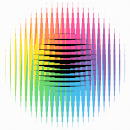 |
 |
 |
 |
 |
 |
 |
 |
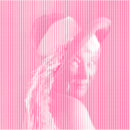 |
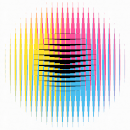
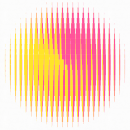
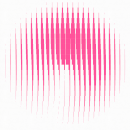
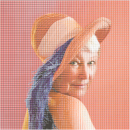
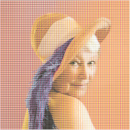
| Image | CMYPGOK palette | CMYK palette | MY palette | just M |
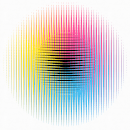
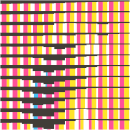
Depending on the resolution, the geometric details of how the pixels are constructed can have strong visual effects on the final appearance. When the resolution is low, the details are pronounced. When the image resolution is high and pixels are small they cannot always be painted with the right color ratio using the chosen tool.
 |
 |
 |
 |
 |
 |
 |
 |
 |
 |
| Preview for a resolution of 12px and using the CMYK palette | same but for 50px resolution | 200px | 400px | 600px |
These effects can be exploited for creating images in different artistic styles.